 English
 CompTIA ITF +
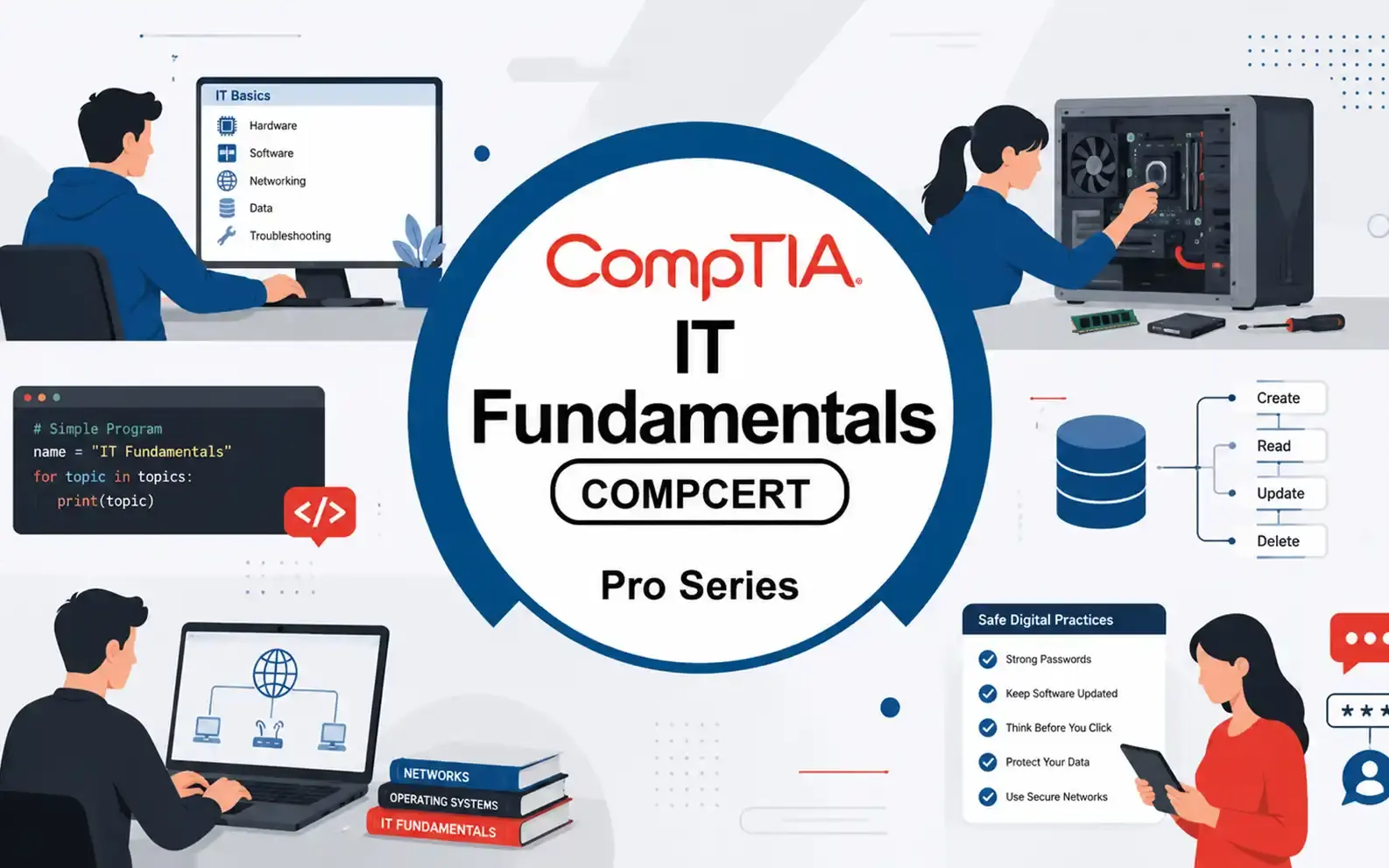
The CompTIA IT Fundamentals (ITF+) exam focuses on the essential knowledge and skills required to identify, understand, and explain the basics of computing. It covers how computers operate, the components of IT infrastructure, and fundamental concepts of software development and database usage. The course helps beginners gain confidence in navigating technology and solving basic IT problems. Learners will be prepared to demonstrate proficiency in core IT concepts such as hardware, software, security, and basic networking, providing a solid foundation for future IT certifications.
- 4.8/5.0
- 2545 Enrolled
- Last updated Aug 28, 2026
Course Overview
- The CompTIA IT Fundamentals+ (ITF+)
certification is designed to provide a strong foundation for anyone beginning a
career in IT, particularly in IT support roles. This course offers a
comprehensive introduction to the essential concepts and practical skills
needed to understand and navigate the world of information technology. By
completing this course, learners will gain the knowledge required to securely
set up, configure, and maintain a personal computer for home use, including
operating systems, hardware components, and software applications.
- Additionally, the course equips participants with the skills to provide basic IT support and troubleshooting for PCs and simple network environments, making them capable of assisting colleagues in small business settings. Beyond technical skills, the ITF+ course emphasizes best practices in cybersecurity, data management, and safe computing habits. Learners will also develop a broader understanding of fundamental IT concepts, including software development, database basics, cloud computing, and emerging technologies, providing a well-rounded introduction that prepares them for further IT certifications and career growth in the technology field.
Course Outlines
Basic Functions and Components of Computers
- Understanding the fundamental purpose of computers and computing devices.
- Introduction to input, processing, storage, and output functions.
- Overview of computer form factors: desktops, laptops, tablets, and mobile devices.
- How computers communicate within networks and with other devices.
Common Internal Hardware Components
- Processors (CPUs): Types, cores, clock speed, and their role in system performance.
- Memory (RAM): Volatile vs. non-volatile memory, importance in multitasking, and performance impact.
- Storage Devices: Hard drives (HDDs), solid-state drives (SSDs), hybrid drives, and their interfaces (SATA, NVMe).
- Motherboards and Chipsets: Central hub for hardware communication and expansion options.
- Power Supplies and Cooling Systems: Maintaining stability and preventing overheating.
Peripheral Components
- Displays: Monitors, projectors, screen types, resolutions, and refresh rates.
- Printers and Scanners: Types (inkjet, laser, multifunction) and basic setup considerations.
- Input Devices: Keyboards, mice, touchpads, and specialized devices (e.g., stylus, game controllers).
- Other Input/Output Devices: External storage, webcams, microphones, and network adapters.
- Connectivity and Ports: USB, HDMI, DisplayPort, Ethernet, audio jacks, and wireless connections.
Basic Types of Software and Software Management
- System Software: Operating systems and utility programs.
- Application Software: Productivity tools, web browsers, multimedia software, and specialized apps.
- Software Installation and Updates: Best practices for installing, updating, and upgrading applications safely.
- Licensing and Legal Considerations: Freeware, open-source, shareware, and commercial software.
Standard Operating System Configuration and File Management
- Configuring system settings: display, power management, accessibility, and user accounts.
- Understanding file systems (FAT32, NTFS, exFAT) and directory structures.
- Performing common file and folder management tasks: creating, moving, copying, renaming, deleting, and searching files.
- Managing storage: partitions, drives, and external storage options.
Software Applications and Common File Types
- Identifying and using common application software (word processors, spreadsheets, presentations).
- Recognizing common file types and extensions: text files, documents, images, audio, video, and compressed files.
- Understanding compatibility and interoperability of file formats across software applications.
- Best practices for backing up and organizing digital files.
Course Objectives
By
the end of this course, you will be able to:
Apply basic computer maintenance and support principles
- Perform routine maintenance tasks such as updating software, cleaning hardware, and managing storage.
- Diagnose and troubleshoot common hardware and software issues.
- Understand basic IT support procedures for both personal and small business computing environments.
Describe principles of software and database development
- Understand the software development lifecycle, including design, coding, testing, and deployment.
- Identify different types of software, including system software, application software, and utility programs.
- Explain database concepts such as tables, queries, and basic data management principles.
Set up a computer workstation and use basic software applications
- Install and configure operating systems and essential software.
- Use productivity tools such as word processors, spreadsheets, and presentation software.
- Customize desktop environments and file organization to improve workflow and efficiency.
Identify security issues affecting the use of computers and networks
- Recognize common threats such as malware, phishing, and unauthorized access.
- Apply basic security measures including antivirus software, firewalls, and strong passwords.
- Understand privacy concerns and safe online behavior for individuals and small organizations.
Configure computers and mobile devices to connect to home networks and the Internet
- Set up wired and wireless networks, including routers, modems, and Wi-Fi configurations.
- Troubleshoot basic connectivity issues for devices on local networks and the Internet.
- Understand the role of network protocols, IP addressing, and basic network security.
Explain the functions and types of devices used within a computer system
- Identify internal components such as processors, memory, storage devices, and expansion cards.
- Describe the purpose of peripheral devices including monitors, printers, scanners, and input devices.
- Understand how different components work together to perform computing tasks efficiently.
Develop foundational IT problem-solving and analytical skills
- Use logical reasoning to approach IT challenges.
- Apply troubleshooting methodologies to isolate and solve technical problems.
- Gain confidence in providing informal technical support in personal and professional contexts.
Course Prerequisites
Attendees
are not required to have formal IT education or professional experience to
enroll in this course. However, the following background knowledge and skills
will help participants better understand the course material and maximize their
learning outcomes:
- Basic computer familiarity: Some experience using a keyboard, mouse, and common input devices is helpful but not mandatory.
- General digital literacy: Familiarity with basic concepts such as turning a computer on/off, opening and closing applications, and navigating file systems.
- Comfort with technology: Willingness to explore new software and devices in a hands-on learning environment.
- Problem-solving mindset: Basic logical thinking and the ability to follow step-by-step instructions for computer-related tasks.
- Internet usage experience: Understanding how to browse websites, download files, and use email applications is advantageous but not essential.
- This course is designed for beginners and serves as a foundation for further IT studies, so participants with minimal prior experience can still succeed.
Course Schedule
| Date | Days Left | Training Location | |
|---|---|---|---|
No schedules available | |||
Course Exam Info
Overview:
- The CompTIA IT Fundamentals+ (ITF+) certification is an entry-level credential designed to introduce learners to core IT concepts and terminology. It is specifically aimed at beginners exploring a career in IT, as well as professionals in non-technical roles who need a solid understanding of IT principles to support their work. ITF+ validates foundational knowledge across several critical areas including hardware basics, software applications, networking concepts, cybersecurity fundamentals, and database essentials. The certification helps individuals determine whether they have both the aptitude and interest in pursuing further IT studies or a career in technology. ITF+ is often considered a stepping stone toward more advanced certifications such as CompTIA A+, Network+, and Security+.
- Eligibility
/ Prerequisites:
ITF+ is designed for individuals with little or no prior IT experience. There are no formal prerequisites or experience requirements, making it accessible to a broad audience including students, career changers, or employees in non-technical roles who wish to evaluate their understanding of IT. Basic familiarity with using a computer, including knowledge of input devices such as a keyboard and mouse, may be helpful but is not mandatory. The certification serves as a gateway for those considering a future in IT or technology-related fields.
Exam Structure:
- Exam Code: FC0-U61 (latest version)
- Format: Multiple-choice questions (single and multiple response)
- Number of Questions: Up to 75 questions
- Duration: 60 minutes
- Passing Score: 650 on a scale of 100–900
The exam covers five major domains:
- IT Concepts & Terminology: Understanding common IT vocabulary, computing principles, and basic operational concepts.
- Infrastructure: Basics of hardware components, peripheral devices, and network fundamentals.
- Applications & Software: Knowledge of software types, installation processes, configuration, and file management.
- Software Development: Introduction to programming logic, coding concepts, and development principles.
- Database Fundamentals & Security: Basic understanding of databases, data storage, security concepts, and safe computing practices.
- The focus is on foundational comprehension rather than deep technical skills. Questions are scenario-based and designed to test whether the candidate can recognize, understand, and apply basic IT concepts in real-world contexts.
- Renewal
/ Recertification:
CompTIA ITF+ is a “good-for-life” certification. It does not expire and is not part of CompTIA’s Continuing Education (CE) program, reflecting its role as a one-time validation of foundational IT knowledge. While the certification itself does not require renewal, many individuals leverage ITF+ as a springboard to pursue more advanced certifications such as CompTIA A+, Network+, or Security+, which do have continuing education or renewal requirements.
Additional Notes:
- ITF+ is highly recommended for anyone seeking to gain a baseline understanding of IT before committing to a more technical or specialized IT career path.
- It can be used as proof of knowledge for employers or educational institutions evaluating a candidate’s readiness for further IT training.
- Hands-on experience is encouraged alongside study materials, as practical exposure to hardware, software, and networking concepts enhances comprehension and retention.
Our Customer Reviews
4.8
(*)(*)(*)(*)(*)
Excellent
(*)(*)(*)(*)(*)
(*)(*)(*)(*)( )
( )( )( )( )( )
( )( )( )( )( )
( )( )( )( )( )
Emily Johnson
Before this, IT felt like a maze of confusing concepts. This course laid out everything in a way that actually made sense. It’s a great foundation for anyone stepping into tech. iExperts was right to recommend it.
(*)(*)(*)(*)(*)
This course includes
- Duration40 h
- VendorCompTIA
- CategoryIT Managements
- CertificateYes
Course Profile
Course Quiz
Test your knowledge with our course quiz! Answer a series of questions related to CompTIA ITF +.
You may also like
Check out most 🔥 courses in the market
Certified Information Security Manager (CISM)
The Certified Information Security Manager (CISM) course provides essential expertise in designing, managing, and governing enterprise information security programs. It equips you to align security strategies with business objectives, conduct risk assessments, and implement effective controls. You will learn to manage incident response, evaluate vulnerabilities, and ensure organizational compliance. The program also builds leadership and communication skills to promote a strong security culture. Earning CISM validates your ability to lead security initiatives that protect assets and support business success.
4.8
(2135)
Certified in the Governance of Enterprise IT (CGEIT)
The Certified in the Governance of Enterprise IT (CGEIT) course equips experienced professionals to lead and optimize enterprise IT governance. It focuses on aligning IT strategies with business objectives, maximizing value delivery, and ensuring effective risk and resource management. Participants gain a strong understanding of governance frameworks, strategic alignment, and accountability structures. The course also covers key components such as policies, processes, SLAs/OLAs, and data integrity. Graduates will be able to design, implement, and monitor robust IT governance systems that enhance organizational performance.
4.8
(1743)
Certified Information Systems Auditor (CISA)
The Certified Information Systems Auditor (CISA) course equips professionals to audit, control, and secure IT systems effectively. Participants learn to assess IT governance, evaluate system performance, and manage risks and compliance. The course covers data protection, internal controls, and business continuity planning. It prepares attendees for the CISA exam and roles such as IT auditor, risk manager, and compliance officer. Certification validates expertise in IT governance and adherence to global standards.
5
(2398)
Dora Lead Manager
The DORA (Digital Operational Resilience Act) Lead Manager course equips senior professionals with the skills and knowledge needed to oversee, manage, and ensure compliance with the DORA framework in financial institutions and related ICT service providers. This program covers operational resilience strategies, ICT risk management, incident handling, reporting requirements, and oversight of third-party providers, enabling participants to lead their organizations in meeting the EU’s regulatory expectations effectively.
4.9
(2000)
ISO 9001 Lead Implementer
The ISO 9001 Lead Implementer training course equips participants with the necessary knowledge and skills to support an organization in establishing, implementing, managing, and maintaining a Quality Management System (QMS) based on ISO 9001:2015. This course provides a practical methodology for the implementation process by applying best practices and aligning with international quality management standards. By the end of the course, participants will gain hands-on expertise in leading implementation projects, managing teams, and preparing organizations for certification audits.
4.8
(3000)