 English
 CompTIA Server +
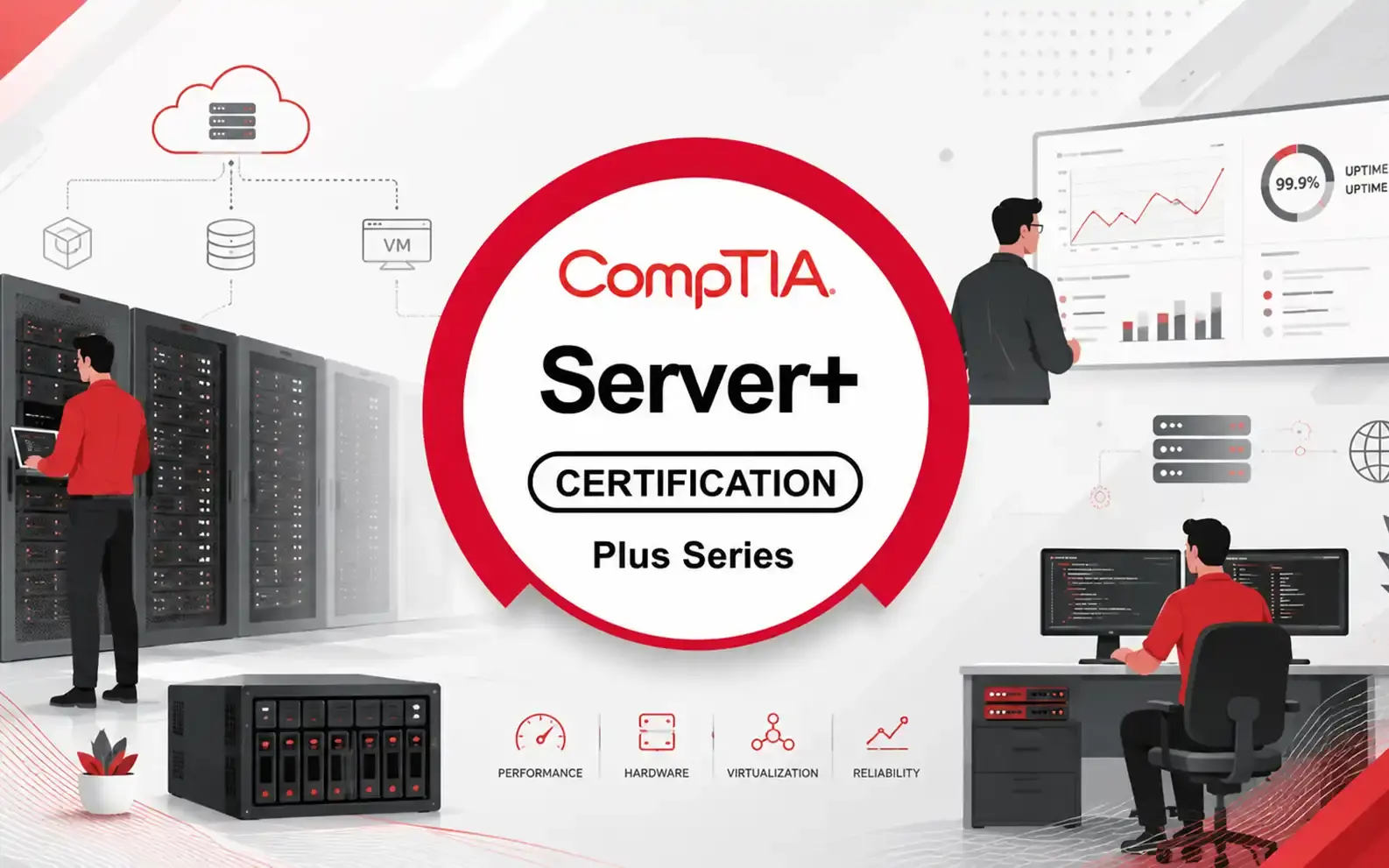
CompTIA Server+ validates the hands-on skills of IT professionals who install, manage, and troubleshoot servers in data centers as well as on-premises and hybrid environments. It ensures that learners have the technical expertise to handle complex server hardware, implement secure and efficient server configurations, and maintain system reliability. The certification also covers modern virtualization, storage solutions, and disaster recovery practices. Participants will gain the ability to diagnose advanced server issues, optimize performance, and support mission-critical enterprise systems. This makes CompTIA Server+ an essential credential for professionals responsible for maintaining robust and scalable server infrastructures.
- 4.9/5.0
- 2887 Enrolled
- Last updated Jun 19, 2026
Course Overview
- CompTIA Server+ is a globally recognized
certification designed for IT professionals who work with server technologies
in modern data centers and enterprise environments. The certification validates
hands-on expertise in server hardware installation, configuration, maintenance,
and troubleshooting. It covers a wide range of essential topics including
virtualization, storage solutions, network integration, security
considerations, and disaster recovery procedures.
- This certification is ideal for individuals seeking to build a strong foundation in server administration or advance their careers in technical support, data center operations, or infrastructure management. Earning the CompTIA Server+ credential demonstrates your ability to manage complex server environments, optimize performance, ensure system availability, and support organizational IT objectives. Whether you're starting your journey as a server technician or aiming for leadership roles, this certification equips you with the practical skills and industry-relevant knowledge needed to succeed in today’s rapidly evolving IT landscape.
Course Outlines
Install
Server Hardware and Operating Systems
- Understand different server form factors, components, and hardware architectures.
- Install and configure CPUs, memory modules, storage devices, and expansion cards.
- Deploy various server operating systems, including Windows Server and Linux distributions.
- Perform system initialization, driver installation, and hardware compatibility checks.
- Apply best practices for physical installation, rack mounting, and cable management.
Configure Networking Hardware and Protocols
- Set up network interface cards (NICs), switches, routers, and load balancers used in server environments.
- Configure IP addressing, VLANs, routing, DHCP, DNS, and essential networking services.
- Implement link aggregation, NIC teaming, and network redundancy.
- Ensure proper network performance, throughput, and connectivity for server operations.
Perform Basic Server Configuration Tasks
- Configure server roles, features, and services based on organizational needs.
- Set up user accounts, permissions, access controls, and group policies.
- Manage system updates, patches, and software installations.
- Monitor server performance and troubleshoot common system issues.
- Configure remote management tools such as SSH, RDP, and IPMI.
Create a Virtual Server Environment
- Understand virtualization concepts, hypervisors, and virtual machine (VM) architecture.
- Install and configure Type 1 and Type 2 hypervisors (VMware, Hyper-V, VirtualBox, etc.).
- Create, deploy, and manage virtual machines, templates, snapshots, and cloning.
- Optimize VM resource allocation, scalability, and high availability features.
- Implement virtual networking, virtual storage, and hypervisor-level security.
Administer Servers
- Perform routine maintenance, monitoring, and troubleshooting of servers.
- Configure system logs, alerts, and reporting for proactive management.
- Manage server backups, disaster recovery plans, and business continuity strategies.
- Implement automation tools for server administration tasks.
- Optimize performance through tuning CPU, RAM, disk, and network settings.
Implement Server Storage Solutions
- Understand different storage technologies: DAS, NAS, SAN, and cloud storage.
- Configure RAID levels, storage pools, and logical volumes.
- Manage shared storage using iSCSI, Fibre Channel, and NFS/SMB.
- Optimize storage performance, redundancy, and availability.
- Implement backup and restore procedures tailored to organizational policies.
Secure the Server
- Apply physical and environmental security controls for servers and data centers.
- Configure firewalls, intrusion detection/prevention systems, and endpoint protections.
- Implement authentication, authorization, and encryption techniques.
- Apply security hardening practices: disabling unused services, applying patches, and enforcing strong policies.
- Monitor server logs for suspicious activity and respond to security incidents.
Course Objectives
Upon
completing this course, you will be able to:
- Understand
Server Administration Concepts
Gain a solid foundation in server roles, responsibilities, and components. Learn how servers support business operations, how to manage server lifecycles, and how to apply best practices in administration.
- Understand
Virtualization and Cloud Computing
Explore hypervisors, virtual machines, and virtual networking. Understand cloud service models (IaaS, PaaS, SaaS), cloud deployment options, and how virtualization optimizes resource utilization and scalability.
- Understand
Physical and Network Security Concepts
Learn essential security principles for protecting server hardware, facilities, and network infrastructure. Understand access control, secure protocols, environmental controls, and risk mitigation strategies.
- Manage
Server Hardware
Develop skills in installing, configuring, and maintaining server components, including CPUs, memory, storage devices, power supplies, and cooling systems. Learn how to monitor and optimize hardware performance.
- Configure
Storage Management
Understand RAID levels, SAN and NAS technologies, storage provisioning, and data redundancy techniques. Learn how to allocate, organize, and manage storage resources to ensure optimal performance.
- Install
and Configure an Operating System
Gain hands-on experience installing various server operating systems, managing system files, configuring drivers, and setting up core services needed for server functionality.
- Troubleshoot
OS, Application, and Network Configurations
Learn systematic troubleshooting methodologies to diagnose and resolve issues related to operating systems, installed applications, and network connectivity. Practice using logs, tools, and monitoring systems.
- Manage
Post-Installation Administrative Tasks
Perform essential tasks such as applying patches and updates, configuring server roles and features, managing user accounts, and optimizing system performance after installation.
- Manage
Data Security
Learn how to protect data using encryption, access control policies, backups, and secure storage practices. Understand data governance and compliance requirements.
- Manage
Service and Data Availability
Ensure high availability and business continuity by implementing redundancy, failover systems, load balancing, and disaster recovery strategies.
- Decommission
Servers
Understand the proper procedures for decommissioning servers, including data sanitization, hardware repurposing or disposal, system documentation, and compliance considerations.
Course Prerequisites
Learners
who wish to enroll in the CompTIA Server+ course should ideally meet the
following prerequisites to ensure they can fully benefit from the training:
- CompTIA
A+ Certification or Equivalent Knowledge:
Participants are expected to have a solid understanding of basic IT concepts, including hardware, operating systems, and networking fundamentals. Holding the CompTIA A+ certification—or having equivalent knowledge gained through experience—helps ensure readiness for more advanced server topics.
- Two
Years of Hands-On Experience in a Server Environment:
Candidates should have practical working experience with server systems, including installation, configuration, maintenance, and troubleshooting. This experience provides a practical foundation that supports understanding of server hardware, virtualization, storage solutions, and network operations.
- Familiarity
with Basic Networking Concepts:
Understanding IP addressing, network protocols, and basic network hardware will help learners follow topics related to server connectivity and network services.
- General
Understanding of IT Security Practices:
A basic awareness of security principles, such as access control, authentication, and data protection, will support learning about server hardening and secure configurations.
- Comfort
Working with Operating Systems (Windows or Linux):
Since the course covers server OS installation and configuration, familiarity with command-line tools and system administration is beneficial.
Course Schedule
| Date | Days Left | Training Location | |
|---|---|---|---|
No schedules available | |||
Course Exam Info
- The CompTIA Server+ certification
exam is designed to validate the advanced, hands-on skills required to securely
install, manage, troubleshoot, and support servers in data centers as well as
on-premises and hybrid environments. It assesses a candidate’s ability to work
with physical and virtual server hardware, storage solutions, disaster
recovery, and security best practices across modern enterprise infrastructures.
- Eligibility / Prerequisites:
There are no mandatory prerequisites to take the Server+ exam. However, CompTIA strongly recommends that candidates have CompTIA A+ certification or equivalent knowledge, along with 18 to 24 months of practical experience working with servers in a professional IT environment. Familiarity with basic networking, virtualization, and system administration concepts is highly beneficial for success.
- Exam Structure:
The Server+ exam (current version SK0-005) consists of a maximum of 90 questions, which include a mix of multiple-choice (single and multiple response), performance-based simulations, and scenario-driven items. Candidates are given 90 minutes to complete the exam.
The test measures competencies across key domains such as server hardware installation and management, virtualization, security, troubleshooting, and disaster recovery. The exam is graded on a 100–900 scale, and a minimum score of 750 is required to pass.
- Renewal / Recertification:
CompTIA Server+ is valid for three years from the date of certification. To maintain active status, individuals can renew by earning 50 Continuing Education Units (CEUs) within the three-year period, completing approved training, passing the latest version of the exam, or earning a higher-level CompTIA or industry certification. Server+ also aligns with industry best practices and is recognized by organizations that rely on server and data center professionals to maintain secure and efficient operations.
Our Student Reviews
4.9
Excellent
Ahmed Al-Khatib
I never realized how much goes into IT management until I took this course. It gave me a whole new perspective on optimizing operations and handling risks. I see why iExperts emphasizes these skills for IT leaders.
This course includes
- Duration40 h
- VendorCompTIA
- CategoryIS Management
- CertificateYes
Course Profile
Course Quiz
Test your knowledge with our course quiz! Answer a series of questions related to CompTIA Server +.
Similar Courses
CompTIA Project +
CompTIA Project+ is ideal for IT professionals who need to manage smaller, less-complex projects as part of their other job duties but still have foundational project management skills. Project+ is versatile because it covers essential project management concepts beyond the scope of just one methodology or framework. It helps professionals plan, execute, and close projects effectively while managing resources and timelines. This certification also validates the ability to communicate project status and risks clearly to stakeholders.
- 40 h 4.9 (2093)
Course Tags
You may also like
Check out most 🔥 courses in the market
Dora Lead Manager
The DORA (Digital Operational Resilience Act) Lead Manager course equips senior professionals with the skills and knowledge needed to oversee, manage, and ensure compliance with the DORA framework in financial institutions and related ICT service providers. This program covers operational resilience strategies, ICT risk management, incident handling, reporting requirements, and oversight of third-party providers, enabling participants to lead their organizations in meeting the EU’s regulatory expectations effectively.
4.9
(2000)
ISO 9001 Lead Implementer
The ISO 9001 Lead Implementer training course equips participants with the necessary knowledge and skills to support an organization in establishing, implementing, managing, and maintaining a Quality Management System (QMS) based on ISO 9001:2015. This course provides a practical methodology for the implementation process by applying best practices and aligning with international quality management standards. By the end of the course, participants will gain hands-on expertise in leading implementation projects, managing teams, and preparing organizations for certification audits.
4.8
(3000)
ISO 42001 AI lead implementer
The ISO/IEC 42001 Lead Auditor course equips professionals with the knowledge and skills to conduct and lead Artificial Intelligence Management System (AIMS) audits in compliance with ISO/IEC 42001. Participants will learn to apply internationally recognized audit principles, manage audit programs, and ensure AI governance aligns with ethical, legal, and organizational requirements. The course prepares attendees for certification as an ISO/IEC 42001 Lead Auditor, empowering them to assess AI systems for compliance, risk management, and continuous improvement.
4.9
(2000)
AI For End User
This course is a practical, tool-agnostic training program designed for professionals who want to leverage artificial intelligence in their daily work without needing a background in data science or programming. Participants will learn how AI interprets and processes human language, how to interact with AI tools effectively, and how to integrate AI into everyday tasks to enhance productivity, decision-making, and creativity.
4.9
(2457)
AI For End User Plus
This advanced lesson builds on foundational AI knowledge to help users unlock the full potential of AI tools in personal and professional settings. Learners will explore more powerful features of AI platforms, gain hands-on experience with smart assistants, content generators, and automation tools, and learn strategies for integrating AI into workflows. The course also emphasizes data awareness, ethical use, and decision-making with AI support—empowering users to use AI responsibly and effectively in real-world scenarios.
4.9
(1953)
